

Everything Echo does with your meetings
Record the meeting, fix the transcript, share the minutes and ask about what was said. It’s all here, one part at a time.
Record your meetings your way
Let Echo join for you, upload what you already have, or transcribe while people talk.
See it in detail: Recording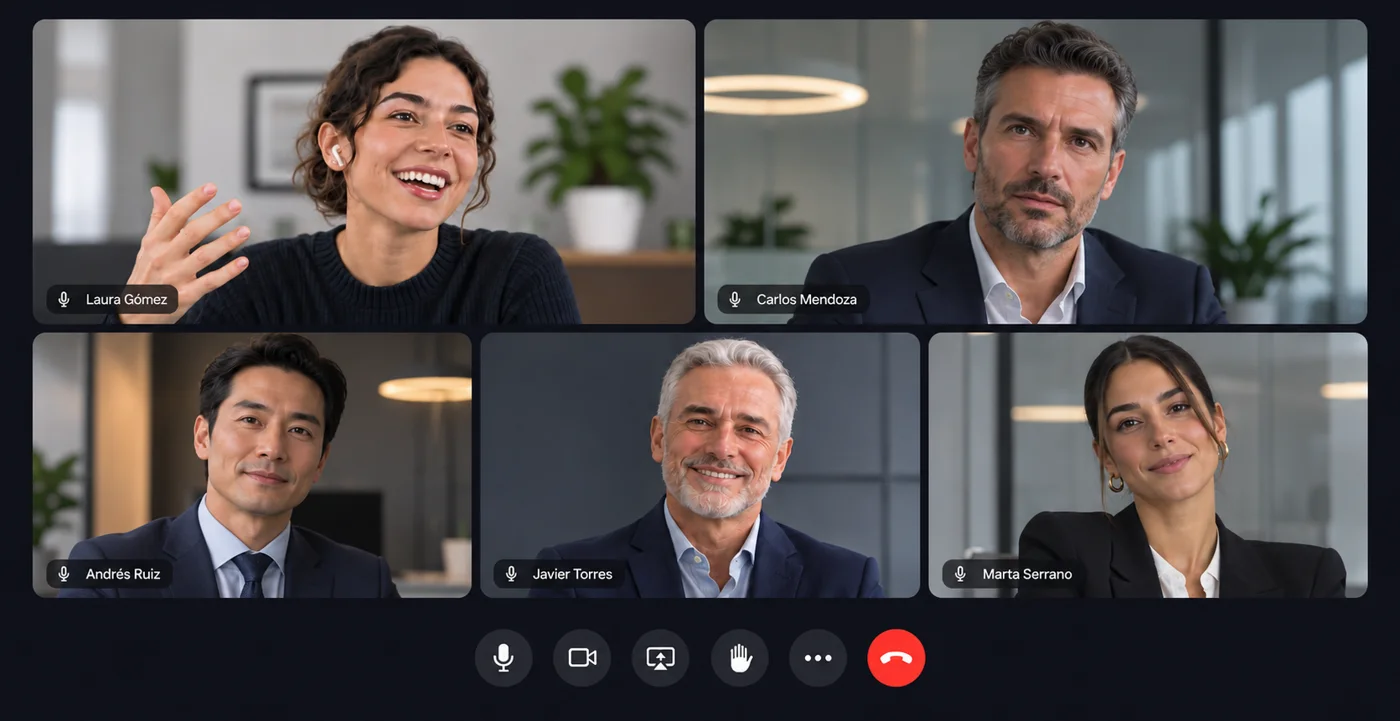
- An assistant joins your Microsoft Teams meetings from your Outlook calendar, announces it's recording and leaves on its own when it's over.
- A Chrome extension to record meetings in the browser (Meet, Teams, Zoom).
- Upload audio or video (up to 2 GB, several at once) or paste a YouTube or Drive link.
- Live transcription with notes, markers and questions as people talk, plus translated live captions for guests.
- Record your screen and camera, with a teleprompter, trimming and a link to share straight away.
- Your own notes during the meeting, which Echo completes with what was said.
A transcript that's a pleasure to read and fix
Every person by name and every word with its time.
See it in detail: Transcript- Separates each speaker and fills in their name when they introduce themselves or are addressed by name.
- Click a word to hear it; double-click to fix it. Uncertain words are highlighted.
- Real-time co-editing, comments with mentions, and highlights.
- Download as Word, PDF, text or SRT and VTT subtitles.
- Professional subtitles in several languages, burned-in subtitles and dubbing with a synthetic voice.
- Cut the video by cutting the text, remove filler words and silences, and clean up background noise.
Summaries, decisions and tasks that don't get lost
What matters from every meeting, and making sure it happens.
See it in detail: Minutes and tasks- Summary, decisions, tasks with owner and due date, and chapters with their time.
- Analysis types for interviews, lectures, sales, consultations or podcasts, or build your own.
- Automations: each kind of meeting with its own analysis, sent to its Slack channel or CRM, filed in its folder and tagged.
- Tasks land on a shared board, with reminders when they're due and follow-ups when they come up again.
- A follow-up email for attendees, which can go out automatically when the meeting ends.
- Topics you track (a competitor, pricing, complaints), with alerts when they come up.
Ask across all your meetings
Like having a perfect memory of everything that's been said.
See it in detail: Ask- Ask a question and Echo answers with what was said, citing the meeting and the minute. Each quote plays when you click it.
- Follow-up conversations, filters by folder, date or person, and tables when you compare.
- Scheduled questions delivered every day or every week.
- Search for an exact word across every transcript and filter by who said it.
- A connector to use your meetings from your AI assistant (MCP).
Clips and videos to share
The best of a meeting, as video, for whoever missed it.
See it in detail: Clips- Echo suggests the best moments; you can also pick them by selecting text.
- Landscape, square or vertical for social media, with animated captions and your logo.
- Highlight reels from several moments in one video, including every time a topic came up.
- Links with passwords, expiry, comments and reactions, and how many times they've been viewed.
- Share a whole folder or tag with a single link.
Better meetings, week after week
Simple numbers on how you meet, without anyone filling anything in.
See it in detail: Analytics- A score for every meeting: participation, questions, monologues, outcomes and duration.
- Who talks and how much, questions, interruptions, filler words and patience, with targets per meeting type.
- Scorecards: what should happen in each kind of meeting, checked by AI.
- A profile for each person with their progress and coaching tips.
Built for teams
Everything your team needs in one place, with the control a company expects.
See it in detail: Teams


- Team spaces with roles, groups, restricted folders and invitations by email, link or domain.
- Policies: who can share links, required passwords, maximum expiry, downloads, AI and personal data redaction.
- Single sign-on (SSO), two-step verification and an activity log.
- Team usage by person and week.









- Slack, Notion, HubSpot, Asana, Trello and Jira.
- Signed webhooks and an API with keys.
- Outlook calendar.
Try it with your next meeting.
Create your account in a minute or ask us for a demo for your team.
